Export configuration
Accessing the configuration page
Log on with a user having BliksundPEPJAdmin rights Click on Administrasjon > Eksport > Konfigurasjon
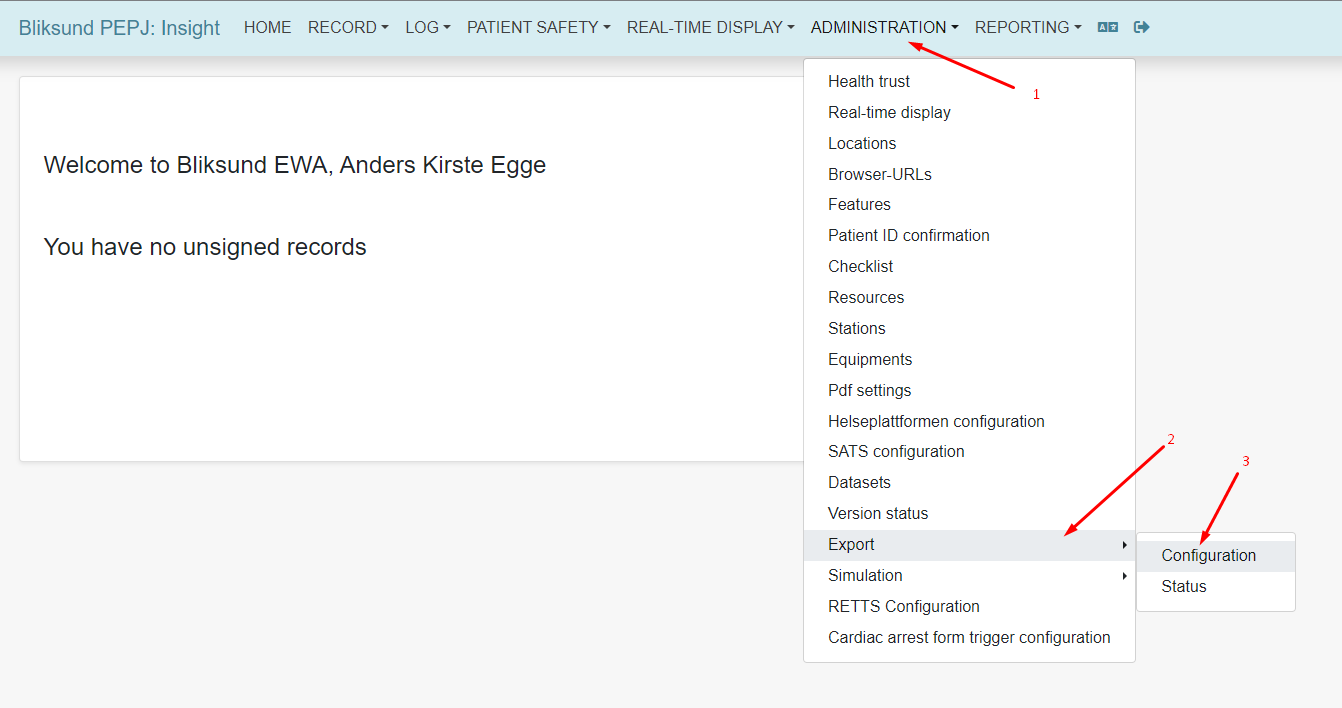
This page will show
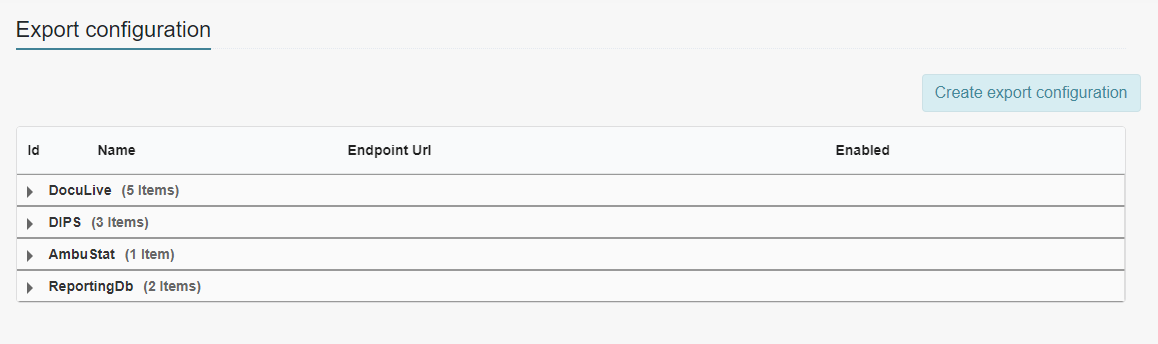
Here you can see export configurations already set up.
Creating new export configuration
Click on "Opprett eksportkonfigurasjon"

Choose correct type of export
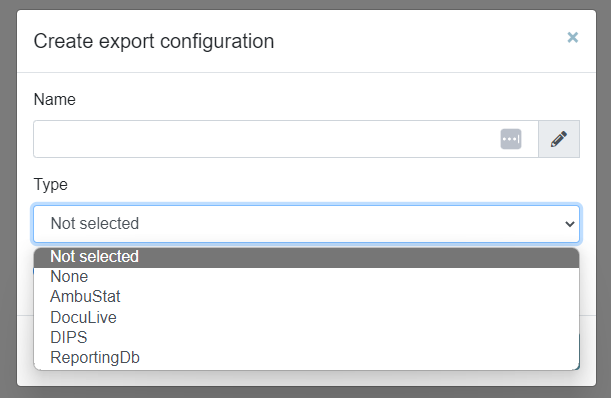
Give the export configuration a name Fill in the fields For DIPS export see DIPS Configuration for how to set it up properly
Editing an already existing configuration
Click on "Rediger"

Edit the fields that need to be changed
Enabling/Disabling an export configuration
Click on "Rediger" Set the slider to the right to activate the configuration and to the left to disable the configuration

Remember to click "Lagre" when done editing
